Segmentation
One of the first and most important decisions you'll make when you design a marketing piece is to choose the correct audience. Once you select your audience, you can tailor the message to best appeal to that group of people.
You usually generate marketing campaigns focused on your products or services, especially new products, and send it to existing customers based on their past buying history, organized in segments.
A market segment is the collection of contacts that you target with a customer journey. In some cases, you'll target all the contacts you have. In most cases, you'll choose who you want to target based on demographic or firmographic data and other considerations.
Unlike marketing lists, you base marketing segments on marketing insights. We designed the marketing-insights service to process data without affecting the performance of your Dynamics 365 user interface and other functions.
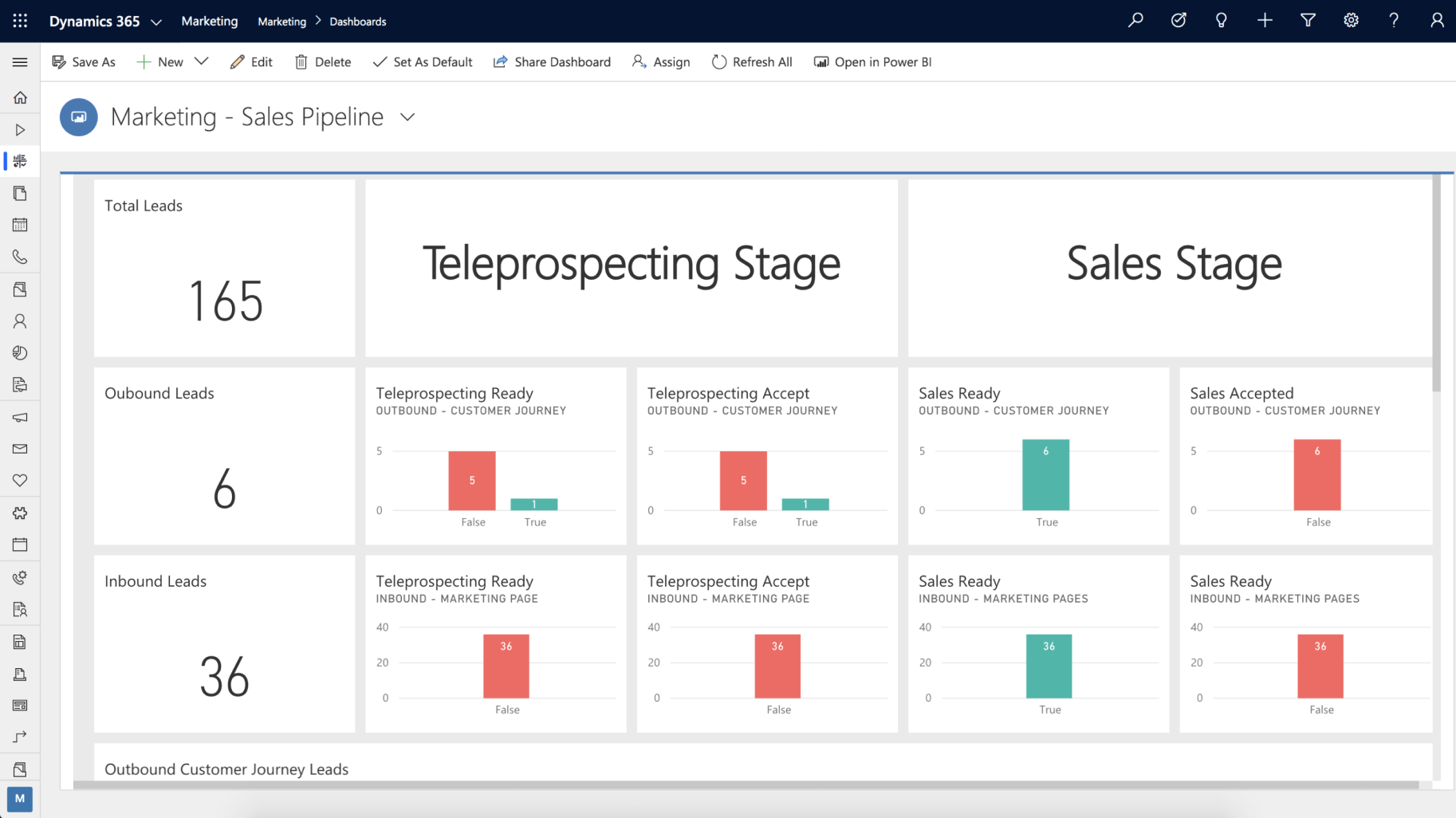
You use Dynamics 365 Marketing’s Segmentation Designer to set up groups of related contacts that you can target for your customer journeys. You can query across multiple related entities to target the specific demographics for a customer journey or campaign. Once you determine your segments, Dynamics 365 Marketing can calculate a score for each lead. It monitors leads until their score indicates they are sales ready.
The following graphic shows the start screen of the Segmentation Designer.
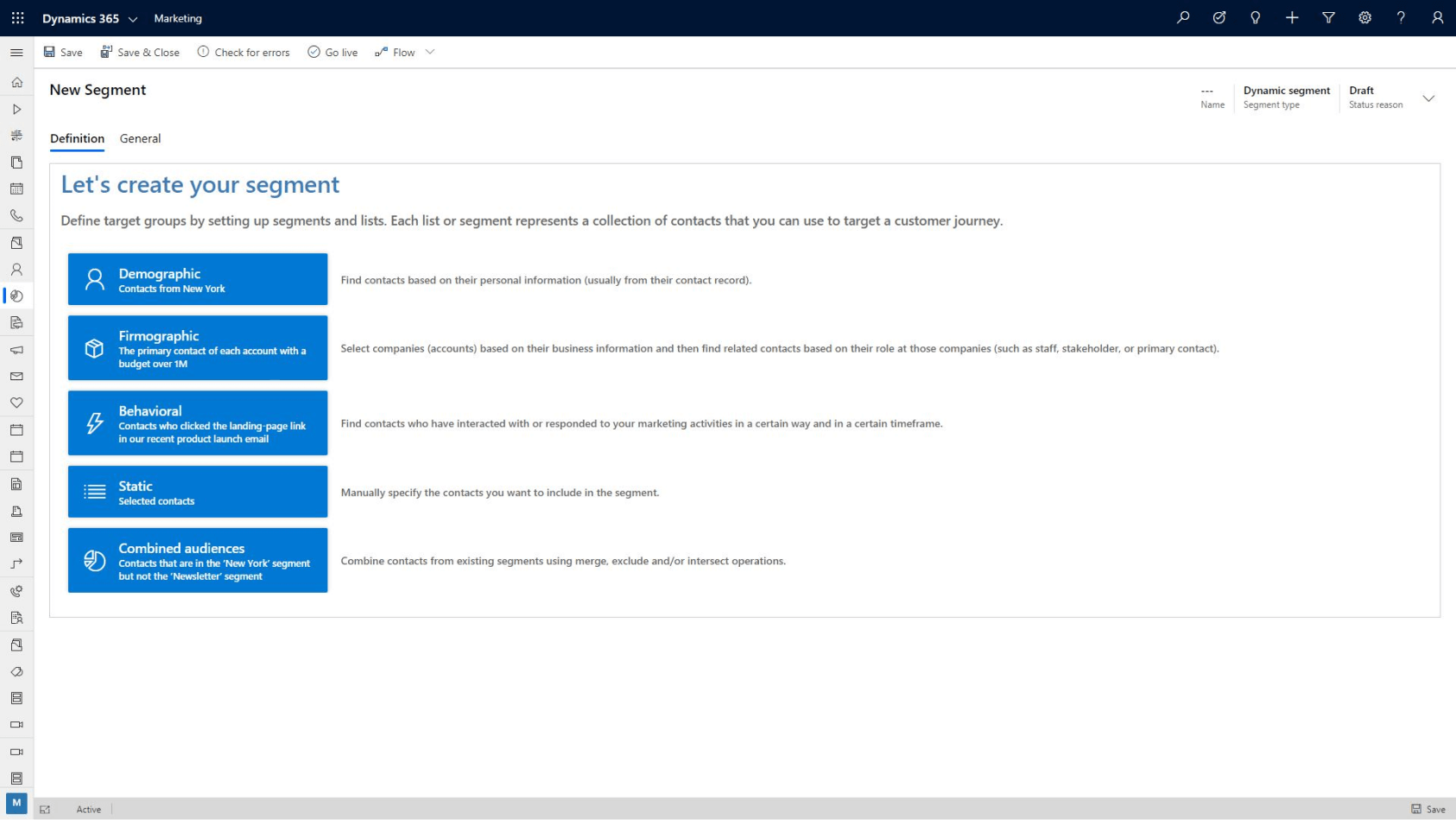
With Dynamics 365 Marketing, you can create customer segments easily based on different qualification factors to ensure that you're marketing services to the correct customer base. You can segment customers based on:
- Demographic: Find contacts based on their personal information stored in their contact record. For example, you can select contacts that are from New York.
- Firmographic: Select companies based on their business information, and find related contacts based on their role at the companies. For example, you can select the primary contact of each account with a budget over 1 million dollars.
- Behavioral: Find contacts who have interacted with or responded to your marketing activities in a specific way. For example, you can select contacts who selected the landing page link in a recent product launch email during a specified timeframe.
- Static: Create a segment by selecting the contacts manually.
- Combined Audiences: Combine contacts from existing segments. For example, you can select contacts that are from the New York segment and the newsletter segment.
- Dynamics 365 marketing lets you create customer segments and control the members in those segments. You can populate customers dynamically based on common criteria, or you can combine multiple customer segments to create even more powerful and targeted lists.
Once a customer interacts with your organization, they're scored using the Lead Scoring Model Designer. It uses actions, such as opening an email, visiting a landing page, visiting your website, or attending an event, to calculate their score. Dynamics 365 Marketing places them into the best segment(s) for them, based on their demographics. Then, you can attach them to a customer journey or campaign. You can nurture customers along the sales journey and ensure that good leads aren’t lost along the way.
Finally, let's see how Dynamics 365 Marketing helps your organization manage marketing events.
Event management
When managing an event, it's often difficult to keep track of disconnected records and resources. Dynamics 365 Marketing changes that situation. It creates a single-data-silo location for event management integrated into sales and marketing business processes. You manage and process all the event details through the same portal location, resulting in an integrated event management process.
To get started planning an event with Dynamics 365 Marketing, you create an event record. The event record has all your planning details, includes links to related records, and gives you a business-process timeline. The timeline guides you through each step of the event-planning process.
Once you have an event record, you set up your event team, manage speakers and sessions, set up event passes, and set up a venue. You control every aspect of the event, from the initial planning and budgeting, through promotion and publication, to attendee registration and final analytics.
Dynamics 365 Marketing event management lets you:
- Design the right event: The event designer lets you create an event based on your organization's goals and factors such as the intended audience, type of event, and desired business outcomes.
- You can track and measure event logistics, such as location details and fees, as you build the event.
- Create the right agenda: You define every session offered throughout the event including tracking details such as session location, type of session, target audience, and who will be delivering the session.
- You can add sessions to event tracks to make it easy for attendees to find sessions that are most important to them.
- Manage speakers and sponsors: You can keep track of the individuals and organizations that are helping to make your event happen.
- You can track details such as speaker sessions, individual or organization bios, and manage costs and expenses related to them.
- Manage registrations: You can manage who is planning on attending your event. You can create event passes and packages to provide the best experience possible for your attendees.
- You can evaluate sessions popularity and use that information to help dictate future offerings.
- Improve event experience: You can manage and publish changes to sessions, tracks, and speakers directly to the event website.
- Drive sales activities: You can use attendance information from participants in marketing campaigns to generate leads and help drive future revenue.
Dynamics 365 Marketing is powerful tool that you can use to create and manage all aspects of your events, whether they're online or at specific locations.
The above content is taken from : https://docs.microsoft.com/